
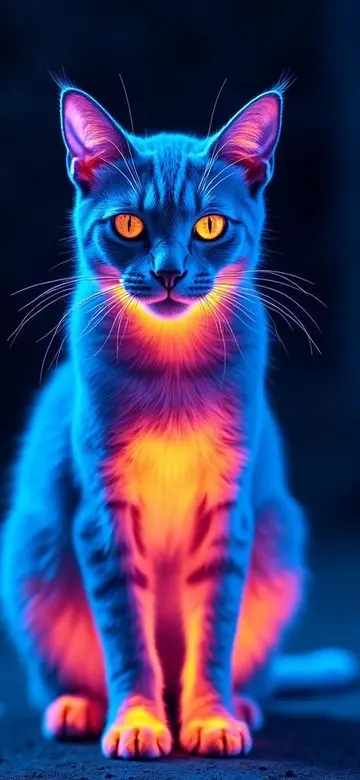
Night vision video filters and low-light enhancement are different
A night vision video filter maps live camera brightness into green, monochrome, or false color to create a familiar visual style. A low-light camera tool focuses more on exposure, noise reduction, and natural color. One is primarily creative and the other aims for a clearer conventional recording, but neither lets a standard iPhone see real objects where no visible light reaches the camera.
Check these six video features before downloading
- Live camera preview so you can judge subject detail before recording.
- Actual video capture rather than a filter that only exports one still image.
- Stable recording and practical switching between front and rear cameras.
- Adjustable filter intensity to protect highlights and avoid a flat green frame.
- Photo library import for testing the same look on images you already captured.
- Clear save, history, and sharing controls so recorded work is easy to find.
A 30-second check before you record
- Clean the lens and keep bright lamps or headlights out of the direct frame.
- Find a steady visible-light source such as a window, hallway light, or distant street lamp.
- Hold the iPhone with two hands or brace it against a stable surface.
- Start at medium intensity and inspect eyes, fur, faces, and road edges.
- Record a five-second test to check sharpness, orientation, and sound.
A clearer live night vision video workflow
Begin with a wider view to establish the subject and light source, then move closer instead of relying on digital zoom. Keeping some shadows helps the green midtones stand out; lifting every dark area usually exposes noise. Review motion edges and highlights after recording. If detail disappears, lower the effect intensity, add a small steady light, and capture a shorter take.
When infrared hardware is required
Observation in total darkness, security, driving, search and rescue, and professional inspection should not depend on a creative filter. A standard iPhone has no long-wave thermal sensor, and a green screen does not mean infrared data was captured. Those tasks require purpose-built infrared illumination or thermal hardware and the appropriate safety procedures.
Frequently asked questions
Can an iPhone record green night vision video in real time?
Yes, with a creative filter app that supports live preview and video capture. Thermal Imaging Camera Filters includes a Night Vision palette plus photo and video recording.
Does a night vision video app work in total darkness?
A standard camera filter needs visible light and detail in the source image. Total darkness requires infrared illumination and a compatible sensor.
How can I reduce blur in a night vision video?
Stabilize the iPhone, avoid heavy digital zoom, use a small continuous light source, and record a short test before the full take.
Can I import an existing video into the app?
That feature varies by product. Check video capture, photo import, and video import separately before downloading; photo library import does not automatically mean video import.