
Start with the app’s input
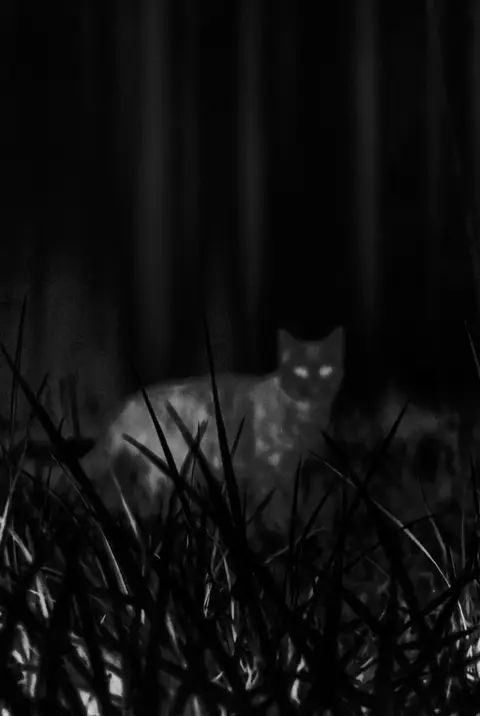
If an app only requests access to the standard camera, it processes visible-light images. It can increase contrast, remap color, and simulate an infrared look, but it cannot read a new wavelength like dedicated infrared hardware. Real infrared or thermal imaging generally needs an external sensor and its companion app.
Four signals to check before downloading
- The description clearly says filter, effect, or simulation instead of implying temperature measurement.
- It explains that total darkness still requires light instead of promising detail from nothing.
- It offers intensity, palettes, and an original comparison so you can control the result.
- It supports photos, video, library import, saving, and sharing in one mobile workflow.
When a filter app is the right tool
- Styling portraits, pets, street scenes, or video with an infrared or thermal look.
- Using high-contrast color to reinterpret an existing photo.
- Creating short-video covers, social posts, or technical-looking visuals.
- Emphasizing outlines with a night vision style when some ambient light exists.
When you need dedicated hardware
Use specified professional hardware for temperature measurement, electrical hot-spot checks, building inspection, observation in complete darkness, security work, or diagnosis. A camera filter should not carry those responsibilities.
Frequently asked questions
Does iPhone include a thermal infrared camera?
The standard camera does not provide professional thermal data. Temperature and heat distribution normally require a compatible external thermal sensor.
Can an infrared camera filter work on video?
Yes, when the app supports video processing, but it still styles the image captured by the regular camera.