
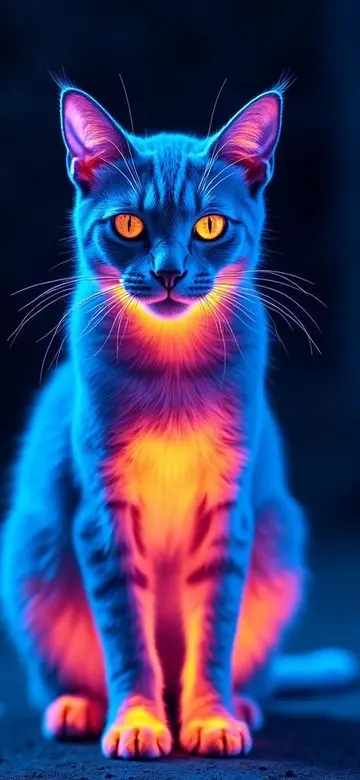
Why a phone is more useful than a laptop in the field
A computer is useful for organizing information, but it cannot follow you into yards, garages, paths, or shrubs. An iPhone can show the search order, use the rear camera and light, record evidence, and capture a possible sighting immediately.
A four-step mobile pet-search workflow
- Confirm the last reliable sighting, time, and direction before opening the search area.
- Repeat quiet checks around nearby hiding places, then expand according to time missing, normal habits, and new evidence.
- Use the rear camera where visible light exists, move slowly, and avoid digital zoom when judging a distant shape.
- Share one concise notice that asks neighbors for a photo, location, and time instead of chasing a frightened animal.
What the iPhone camera can add at night
A standard iPhone camera depends on visible light. Streetlights, porch lights, or a steady flashlight can preserve outlines, eye reflection, and coat contrast. High-contrast and night-vision styles can help compare the same view, but they cannot reconstruct detail that the original frame never captured.
When GPS or dedicated infrared hardware is required
If the pet wears a compatible tracker, use its location first. Total darkness, professional heat detection, and temperature measurement require appropriate external infrared hardware. A filter app does not read body temperature or see through walls, vegetation, or clothing.
Frequently asked questions
Can an iPhone locate a pet without a tracker?
No. Without GPS, a Bluetooth tag, or another location device, the phone does not know where the pet is.
Can a night vision filter find a pet in total darkness?
No. The normal camera still needs visible light; total darkness requires illumination or suitable infrared hardware.
Do these web tools upload my location or camera image?
No. The planners use only selected options, and the live visibility check does not upload camera frames.